Best 10 SEO Browser Extensions That You Should Install Right Now
SEO Browser Extensions to supercharge your website's performance and rankings. Boost your website's visibility and organic traffic with the best SEO available.
Est: 4 min
Updated: July 3, 2023
Table of Contents
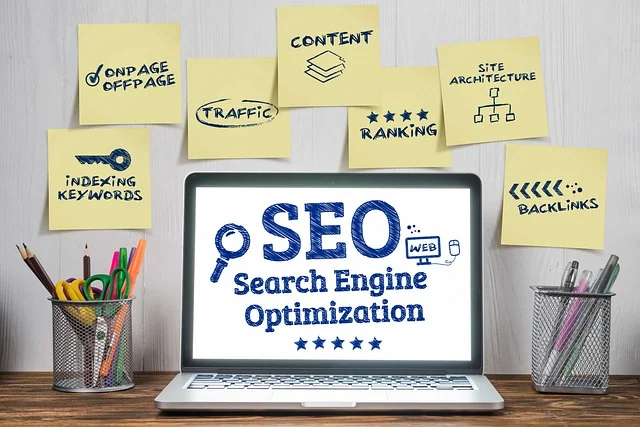
SEO Browser Extensions: Search engine optimization (SEO) is crucial for driving organic traffic to your website and improving your online visibility. While there are various tools and techniques available to optimize your website, browser extensions can be incredibly helpful in streamlining your SEO efforts. These extensions provide valuable insights, analysis, and optimization suggestions right within your browser, making it convenient to monitor and enhance your website’s SEO performance. In this article, we will explore the best SEO browser extensions that you should install right now.
1. MozBar
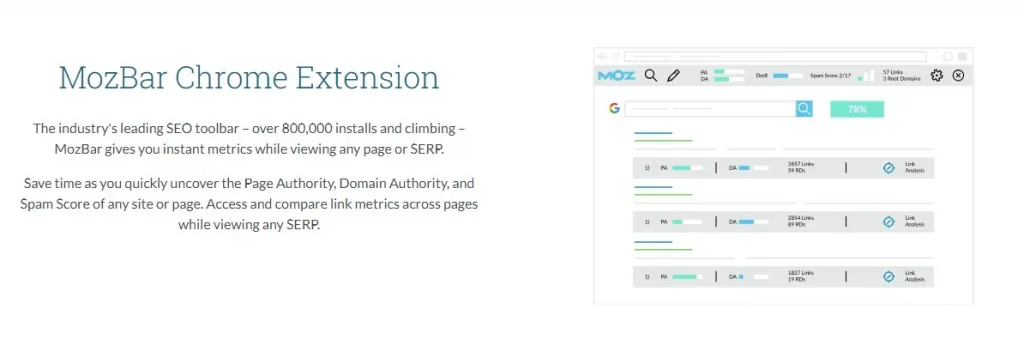
MozBar is a popular and powerful SEO extension developed by Moz. It offers a range of features, including instant on-page analysis, keyword research, link data, and page optimization suggestions. With MozBar, you can quickly assess the SEO metrics of any webpage, identify opportunities for improvement, and make data-driven decisions to enhance your website’s SEO.
2. SEOquake
SEOquake is a versatile SEO extension that provides a comprehensive overview of a webpage’s SEO performance. It offers a wealth of data, including domain and page authority, keyword density analysis, backlink information, and social media metrics. SEOquake allows you to analyze your competitors, evaluate keyword difficulty, and gain valuable insights to optimize your website for search engines.
3. Keywords Everywhere
Keywords Everywhere is a handy browser extension that simplifies keyword research. It displays search volume, competition, and cost-per-click (CPC) data directly on popular search engines like Google and Bing. With Keywords Everywhere, you can uncover valuable keywords and get a better understanding of user intent, helping you create optimized content that resonates with your target audience.
4. SEO Minion
SEO Minion is a comprehensive SEO extension that offers a range of features to optimize your website. It includes on-page SEO analysis, broken link checking, SERP preview, and structured data validation. With SEO Minion, you can easily identify and fix SEO issues, improve your website’s performance, and ensure it meets search engine guidelines.
5. Ahrefs SEO Toolbar:
Ahrefs is a popular SEO tool, and their browser extension provides quick access to key SEO metrics, including backlink data, organic search traffic, and social media shares.
Ahrefs SEO Toolbar is a must-have browser extension. With its powerful features and intuitive interface, it provides valuable insights and data to help you optimize your website for better rankings. From analyzing backlinks and keywords to tracking organic search traffic, the Ahrefs SEO Toolbar equips you with the tools you need to stay ahead of the competition. Say goodbye to guesswork and make data-driven decisions to boost your website’s visibility and drive more organic traffic. Don’t miss out on this essential tool for SEO success.
6. SEO Peek
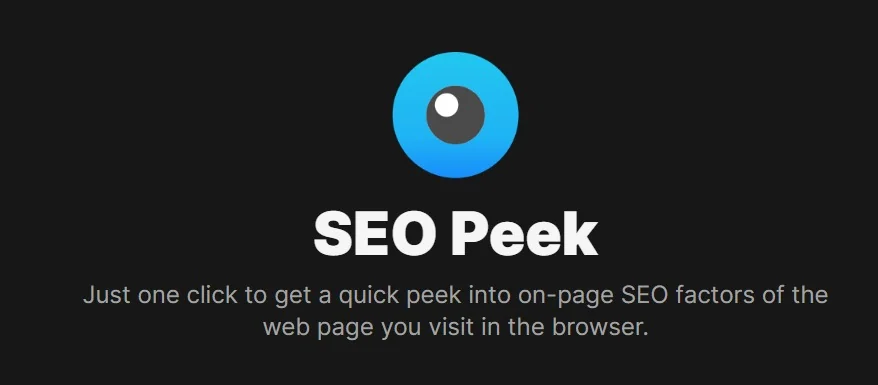
SEO Peek is a lightweight and user-friendly extension that allows you to quickly view key SEO metrics of any webpage. It provides information on meta tags, headers, alt text, and other important elements that impact your website’s SEO. With SEO Peek, you can easily assess the on-page SEO of your competitors, gather insights, and optimize your own website accordingly.
7. BuzzSumo
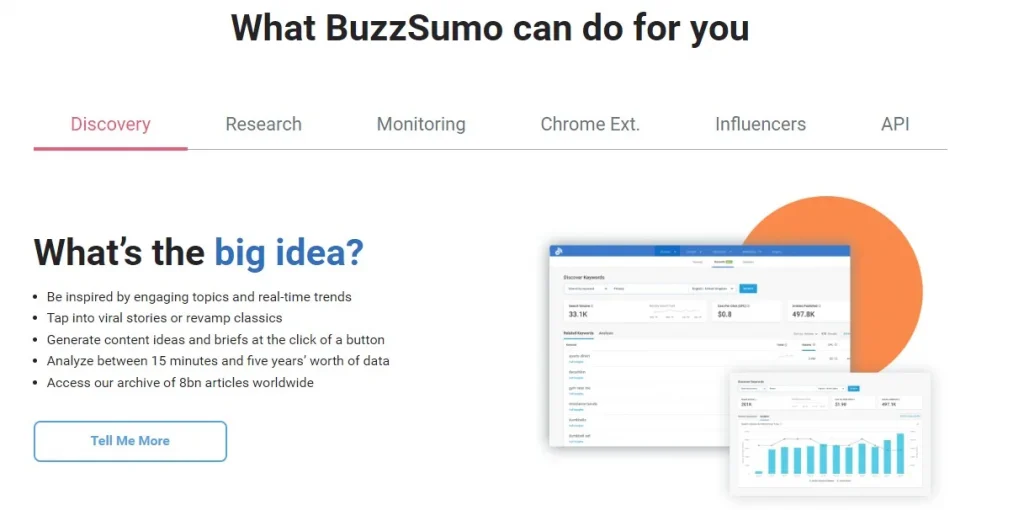
BuzzSumo is an excellent extension for content research and social media analysis. It helps you discover the most popular content in your niche, identify trending topics, and analyze social media engagement. With BuzzSumo, you can gain valuable insights to create high-quality content that resonates with your audience and drives social shares and backlinks.
8. Check My Links
Check My Links is a time-saving extension that quickly checks webpages for broken links. Broken links negatively impact user experience and SEO performance. With Check My Links, you can easily identify broken links on your website or any other webpage, allowing you to fix them promptly and ensure a seamless user experience.
9. Grammarly
While not directly an SEO extension, Grammarly is a valuable tool for ensuring your content is error-free and well-written. High-quality content plays a significant role in SEO, and Grammarly helps you improve your writing by highlighting grammar, spelling, and punctuation errors. It ensures that your content is clear, professional, and engaging, ultimately enhancing your website’s credibility.
10. Fatrank
Fatrank is a useful extension for tracking keyword rankings. It allows you to check the position of your website for specific keywords directly from your browser. With Fatrank, you can monitor your keyword performance, track progress, and identify opportunities for optimization to improve your website’s search engine rankings.
By installing these top SEO browser extensions, you can streamline your SEO efforts, gain valuable insights, and optimize your website for better search engine rankings. Remember, each extension serves a unique purpose, so choose the ones that align with your specific SEO needs and start maximizing your website’s potential.
Conclusion
SEO browser extensions are valuable tools that provide instant insights and optimization suggestions for improving your website’s SEO performance. The extensions mentioned in this article, including MozBar, SEOquake, Keywords Everywhere, and others, offer a wide range of features to help you streamline your SEO efforts and make data-driven decisions. By leveraging these extensions, you can enhance your website’s visibility, attract more organic traffic, and ultimately achieve better search engine rankings.
FAQs:
Q: Can I use these SEO browser extensions on any browser?
Most of these SEO browser extensions are available for popular browsers like Google Chrome, Mozilla Firefox, and Microsoft Edge. However, it’s always recommended to check the compatibility of each extension with your specific browser.
Q: Are these SEO browser extensions free to use?
Many of the mentioned extensions offer free versions with limited features. However, they often have premium versions that unlock additional functionalities. It’s advisable to explore both the free and premium options to determine which best fits your needs and budget.
Q: Can these SEO browser extensions guarantee top search engine rankings?
While these extensions provide valuable insights and optimization suggestions, achieving top search engine rankings requires a comprehensive SEO strategy involving various factors. The extensions serve as tools to assist you in optimizing your website, but success ultimately depends on the implementation of effective SEO techniques and consistent efforts.