Discover if the MacBook Air M3 is the right choice for you! Read our in-depth comparison of the M3, M2, and M1 models to help you make an informed decision.
Est: 5 min
Updated: March 12, 2024
Sources: apple.com
Table of Contents
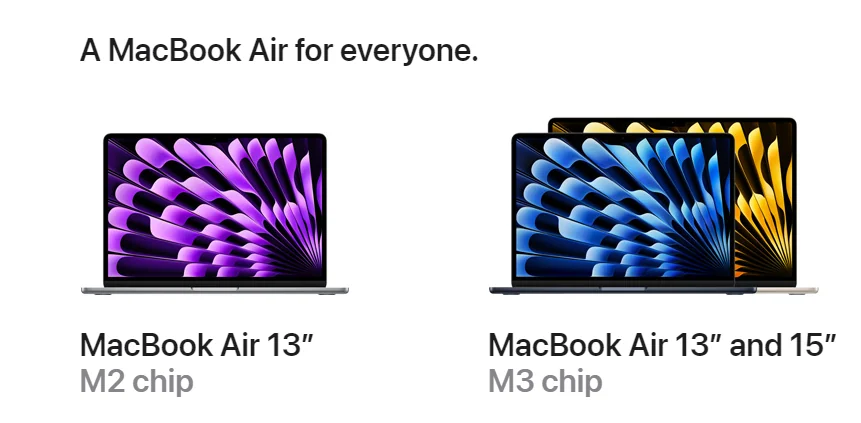
When it comes to choosing the right MacBook Air, the options can be overwhelming. With the recent release of the MacBook Air M3, many are wondering how it stacks up against its predecessors, the M2 and M1 models. In this article, we’ll delve into the details to help you determine which MacBook Air is the best fit for your needs.
Introduction to MacBook Air M3:
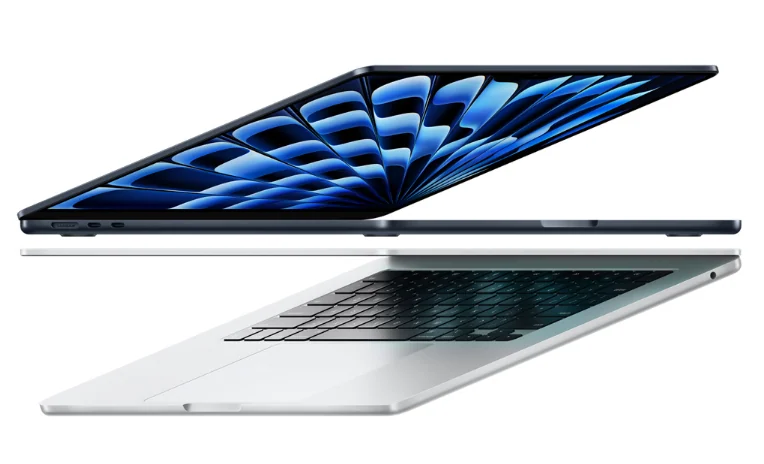
The MacBook Air M3 is the latest addition to Apple’s lineup of lightweight and portable laptops. Equipped with Apple’s latest technology, including the powerful M3 chip, this model promises improved performance and efficiency compared to its predecessors.
Overview of MacBook Air M2:
The MacBook Air M2, introduced a year before the M3, marked a significant upgrade from its predecessors. With enhanced processing power and graphics capabilities, the M2 offered a compelling option for users seeking a balance between performance and affordability.
Understanding MacBook Air M1:
The MacBook Air M1 revolutionized the industry with its introduction of Apple’s custom-designed M1 chip. Praised for its remarkable performance and energy efficiency, the M1 quickly became a favorite among consumers and professionals alike.
Performance Comparison
Processor Performance:
The M3 chip boasts even greater processing power than the M2 and M1, thanks to its advanced architecture and optimized performance cores. Tasks such as video editing, gaming, and multitasking are handled with ease on the M3.
Graphics Performance:
In terms of graphics performance, the M3 surpasses both the M2 and M1, delivering stunning visuals and smooth playback for graphics-intensive applications and games.
Battery Life:
Despite its impressive performance, the M3 maintains excellent battery life, ensuring you can work or play for extended periods without needing to recharge.
Design and Portability:
Like its predecessors, the MacBook Air M3 features a sleek and lightweight design, making it perfect for on-the-go use. Whether you’re traveling for work or leisure, the M3 is easy to carry and fits comfortably in any bag or backpack.
Price Comparison:
While the MacBook Air M3 offers the latest technology and performance enhancements, it also comes with a higher price tag compared to the M2 and M1 models. However, many users find the added features and improvements well worth the investment.
The Apple MacBook Air (2024) has a 13.6-inch Liquid Retina Display. It’s the newest basic laptop from Apple, starting at $1,099. It runs really fast with Apple’s M3 chip and has 8GB of RAM along with 256GB of storage space built-in.
User Experience:
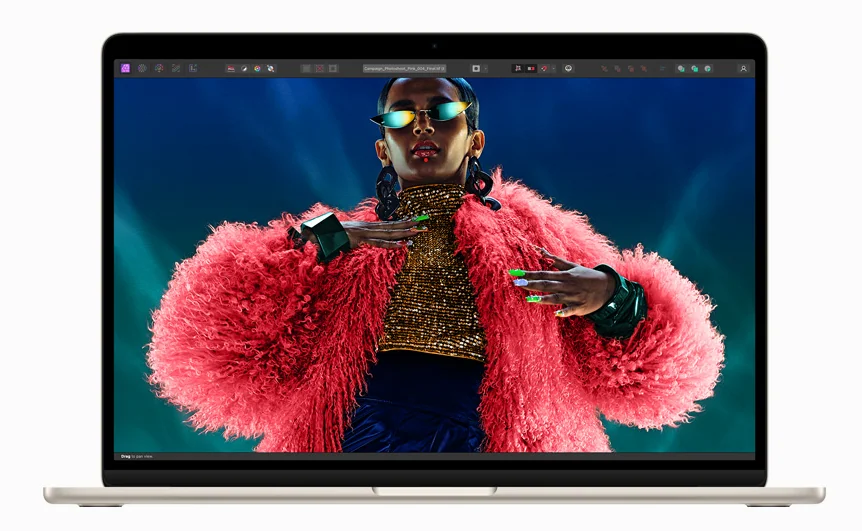
The MacBook Air M3 offers a seamless and intuitive user experience, with features such as Touch ID for secure authentication and a vibrant Retina display for crisp and clear visuals. Whether you’re browsing the web, editing photos, or watching movies, the M3 delivers an immersive experience like no other.
Compatibility and Software Support:
One of the advantages of choosing a MacBook Air is its compatibility with a wide range of software and accessories. Whether you’re a creative professional using Adobe Creative Cloud or a student using Microsoft Office, the M3 is compatible with all your favorite apps and programs.
Future-Proofing:
With its powerful M3 chip and cutting-edge technology, the MacBook Air M3 is designed to meet the demands of today’s users while also being future-proofed for tomorrow. Whether you’re a casual user or a power user, the M3 offers the performance and reliability you need to stay productive and entertained.
Verdict: Which MacBook Air Should You Choose?
Ultimately, the decision between the MacBook Air M3, M2, and M1 comes down to your specific needs and budget. If you’re looking for the latest technology and the best performance, the M3 is the clear choice. However, if you’re on a tighter budget or don’t need the latest features, the M2 or M1 may still be viable options.
Conclusion:
In conclusion, the MacBook Air M3 represents the pinnacle of Apple’s laptop technology, offering unparalleled performance, portability, and user experience. Whether you’re a student, professional, or casual user, the M3 is sure to exceed your expectations and elevate your computing experience to new heights.
FAQ:
What are the key differences between MacBook Air M3, M2, and M1?
The key differences between the MacBook Air M3, M2, and M1 lie in their respective processors, graphics capabilities, and performance enhancements. While the M3 offers the latest technology and the best performance, the M2 and M1 provide more affordable options with slightly lower specifications.
Is the MacBook Air M3 worth the upgrade from M2 or M1?
Whether the MacBook Air M3 is worth the upgrade depends on your specific needs and budget. If you require the latest technology and the best performance, the M3 is definitely worth considering. However, if you’re satisfied with the performance of your current MacBook Air, upgrading may not be necessary.
Can all MacBook Air models run the latest software updates?
Yes, all MacBook Air models, including the M3, M2, and M1, are capable of running the latest software updates from Apple. This ensures that you’ll always have access to the latest features, improvements, and security enhancements.
Are there any known issues with the MacBook Air M3?
While the MacBook Air M3 is a highly advanced and reliable laptop, like any electronic device, it may encounter occasional issues or glitches. However, Apple provides excellent customer support and warranty coverage to address any concerns or issues that may arise.
How does the MacBook Air M3 compare to other laptops in its price range?
In terms of performance, design, and user experience, the MacBook Air M3 stands out as one of the best laptops in its price range. With its powerful M3 chip, stunning Retina display, and premium build quality, the M3 offers exceptional value for money compared to other laptops on the market.
Should I upgrade from M2 to M3?
If you have an M2 MacBook, you’ll probably be pleased with it for a while longer. While there are some improvements in the M3 model, the specifications are quite similar. If you’re satisfied with your M2 MacBook and don’t plan on using it for gaming, then you probably don’t need to upgrade to an M3 MacBook.
What is the difference between M1 M2 and M3?
When it comes to multi-core CPUs, the numbers show an increase from 8,596 to 9,785 with the M1 chip, and then up to 11,889 with the M3 chip. This means the M3 chip is about 38% faster than the M1 and around 20% faster than the M2. These tests cover many different tasks, so I’ll check to see how this translates to everyday use.
Is the MacBook Air M3 worth it?
Increased CPU and GPU Performance: If you do tasks that need a lot of power from both the CPU and GPU, like editing videos or making animations, then it’s worth spending more money on the MacBook Air M3.
What is the difference between M2 and M3 processors?
The biggest improvement in the 2024 MacBook Air models is the new M3 chip. In tests that measure performance, the M3 chip is about 17% faster than the M2 chip for tasks that use only one core, and roughly 21% faster for tasks that use multiple cores.
How much faster is M3 than M1?
Over two generations, there have been significant improvements in the number of cores and the power of Mac computers. The performance cores on the M3 chip are 30% faster than before. Additionally, the efficiency cores are now 50% faster compared to the previous M1 chip. Moreover, the Neural Engine on the M3 chip is 60% faster when compared to the M1 chip.
Is M1 or M3 better?
The M3 Max was faster than my M1 Pro. It finished rendering a 9.5-minute video in 4 minutes and 6 seconds, while the M1 Pro took 6 minutes and 13 seconds. In another test, exporting 100 raw files in Lightroom, the M3 Max completed the task in 47 seconds, while the M1 took 78 seconds.