Exploring the Xbox Series S Review: Design and Controller “
Dive into the Xbox Series S Review of its design and controller. Discover what makes this console stand out in terms of aesthetics and gameplay comfort.
Est: 9 min
Updated: September 7, 2023
Sources: xbox
Table of Contents
Introduction: Xbox Series S
The Xbox Series S offers an excellent entry point into the world of next-gen gaming for those comfortable with digital game purchases or Xbox Game Pass subscriptions. It’s a smart choice if you want to avoid the substantial financial commitment associated with a full-fledged next-gen console, but there are some downsides to consider. Notably, it has significantly less storage, prioritizes gaming at 1440p resolution, and lacks the 4K HD Blu-Ray drive found in the Xbox Series X.
Pros:
Smallest Xbox ever made
Compact design with powerful specifications
Completely silent operation
Faster load times
Cons:
Targets 1440p resolution for gaming
512GB SSD fills up quickly
No disc drive
The user interface can be overwhelming initially
Review of the Xbox Series S: The Xbox Series S offers a more affordable alternative to the Series X, retaining impressive capabilities despite its smaller size and a more budget-friendly price tag. It serves as an excellent entry point into current-gen gaming without breaking the bank.
The Xbox Series S is engineered to deliver the same generational advancements as the Series X, including features like ray tracing, lightning-fast load times, and higher frame rates. However, it remains significantly cheaper than its counterpart, albeit with a noticeable dip in overall power and features.
The console is lauded for its digital-only design but suffers from considerably less storage capacity compared to the Xbox Series X. It primarily targets a 1440p resolution instead of 4K, although it can upscale when connected to an Ultra HD display. It’s optimized for lower resolutions, so your choice of display setup matters when considering the Series S.
Microsoft’s more affordable Xbox also omits the 4K HD Blu-Ray drive present in the Xbox Series X, making it a digital-only platform. If you’ve accumulated a substantial library of top Xbox Series X games over time, this limitation could pose challenges, as it ties you to Microsoft’s store pricing for new titles.
These trade-offs might not suit every user, but they contribute to making the Xbox Series S a cost-effective and compact device. Crucially, it retains the ability to play next-gen games, making it an attractive entry point into the Xbox ecosystem.
During our evaluation of the Xbox Series S, we tested numerous games, ranging from last-gen Xbox Series X/S optimized hits like Halo: The Master Chief Collection, Forza Horizon 4, Doom Eternal, and Gears 5, to launch titles like Yakuza: Like a Dragon. Each of these games impressed us with smoother frame rates, higher resolutions compared to the Xbox One, and faster load times, despite not achieving the same visual fidelity as the Xbox Series X, primarily due to the Series S targeting lower resolutions.
For gamers comfortable with digital game purchases or Xbox Game Pass subscriptions, the Xbox Series S delivers a comprehensive next-gen experience, including Quick Resume, Auto HDR, and 120Hz support. It’s an excellent choice for those seeking the latest in gaming without the substantial cost of a full-fledged console.
However, there are certain drawbacks to consider. If you prefer physical game purchases or have amassed a substantial collection of Xbox One games, the absence of a disc drive in the Xbox Series S may be a deterrent.
Additionally, the console comes with only a 512GB SSD, with no higher-capacity option available. While the SSD offers dramatic speed improvements over the older mechanical drives in the Xbox One X and Xbox One S, it can fill up quickly. The five games we mentioned earlier nearly consumed the entire 512GB SSD in our review unit, leaving us with only 30GB of usable storage space.
This means that to install a game of that size on the internal drive, we would likely need to delete something first or consider purchasing the Seagate Xbox storage expansion card, which costs nearly as much as the Xbox Series S itself.
In summary, the Xbox Series S provides an accessible gateway to next-gen gaming, particularly for those who favor digital content and subscription services. However, it comes with trade-offs, including limited storage and the absence of a disc drive, which may not suit all users. Nonetheless, it remains a compelling option for those looking to experience next-gen gaming without the substantial financial investment required for a full-fledged console.
Xbox Series S: Price And Release Date
Xbox Series S release date: Available since November 10, 2020
Xbox Series S price: $299.99 / £249.99 / AU$499
Can be bundled with Xbox Game Pass Ultimate for $24.99 / £20.99 / AU$33 per month
The Xbox Series S is currently priced at $299.99 / £249.99 / AU$499, with its initial release on November 10, 2020. This pricing significantly undercuts the Series X, which costs $499 / £499 / AU$749. It’s important to note that Xbox has not followed PlayStation in implementing price hikes, at least not yet, and it doesn’t appear to be changing in the near future.
However, keep in mind that without a disc drive, you won’t have the option to buy used games or trade games with friends. You’ll rely on the Xbox Store for purchases, which may not always offer the best deals. This limitation can be mitigated by subscribing to Xbox Game Pass, a separate but highly valuable expense, or by purchasing games at full price around their launch date. Nevertheless, it may not be ideal for those who heavily rely on physical game sales and trade-ins to support their gaming habits.
The Xbox Series S is also available through Microsoft’s Xbox All Access subscription service in select regions such as the US, UK, and Australia. This service bundles the console with Xbox Game Pass Ultimate on a 24-month plan, offering access to Xbox Game Pass Ultimate for the duration, all for a monthly fee of $24.99 / £20.99 / AU$33. This option is often more cost-effective than purchasing the console and 24 months of Xbox Game Pass Ultimate separately.
In conclusion, Microsoft’s Xbox Series S provides an affordable entry point into next-gen gaming, but it’s essential to consider your storage needs and digital gaming preferences when making your decision. If you’re budget-conscious and don’t mind digital downloads, it could be a suitable choice. However, if you have a vast physical game collection or demand the highest graphical fidelity, you might want to explore the Series X or other options.
Xbox Series S Review: Design
Stylish whether positioned horizontally or vertically
Easily integrates into any setup
Striking white design for both the console and controller
While the hardware within the Xbox Series S is cutting-edge, its design harks back to the discontinued Xbox One S All-Digital Edition.
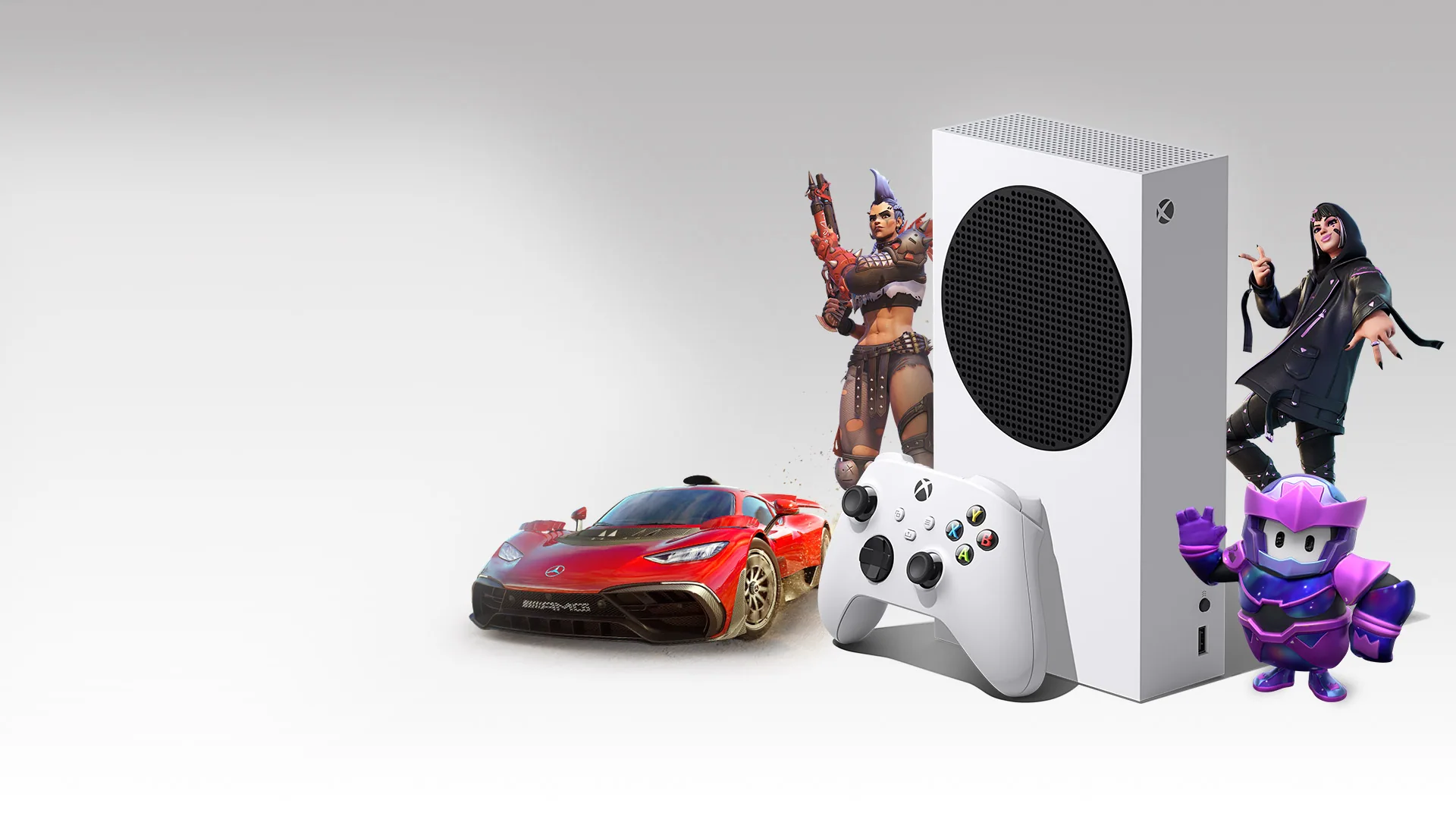
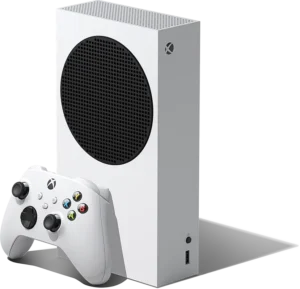
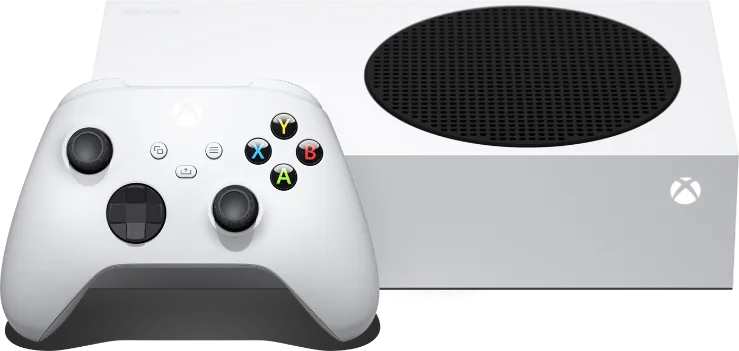
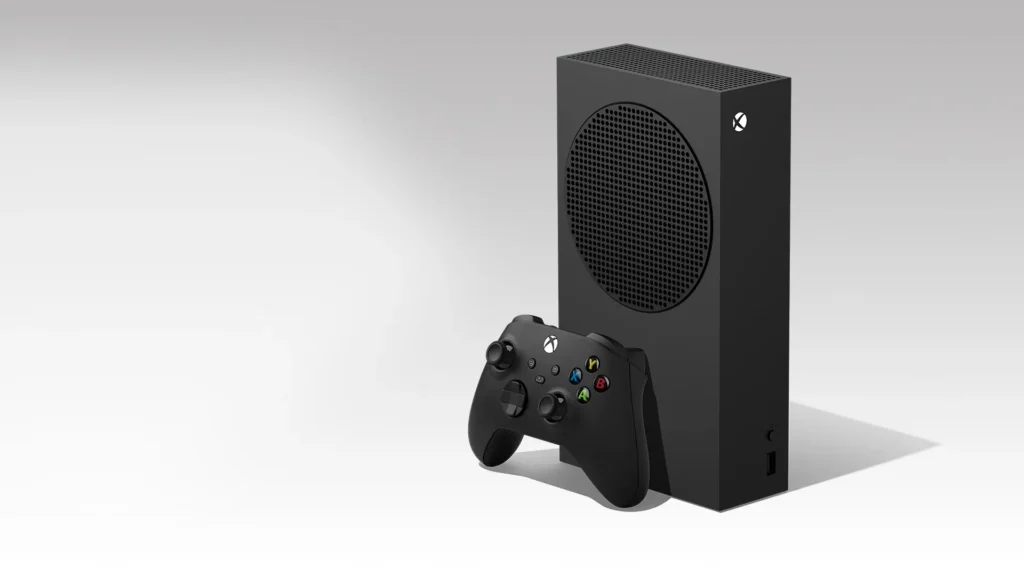
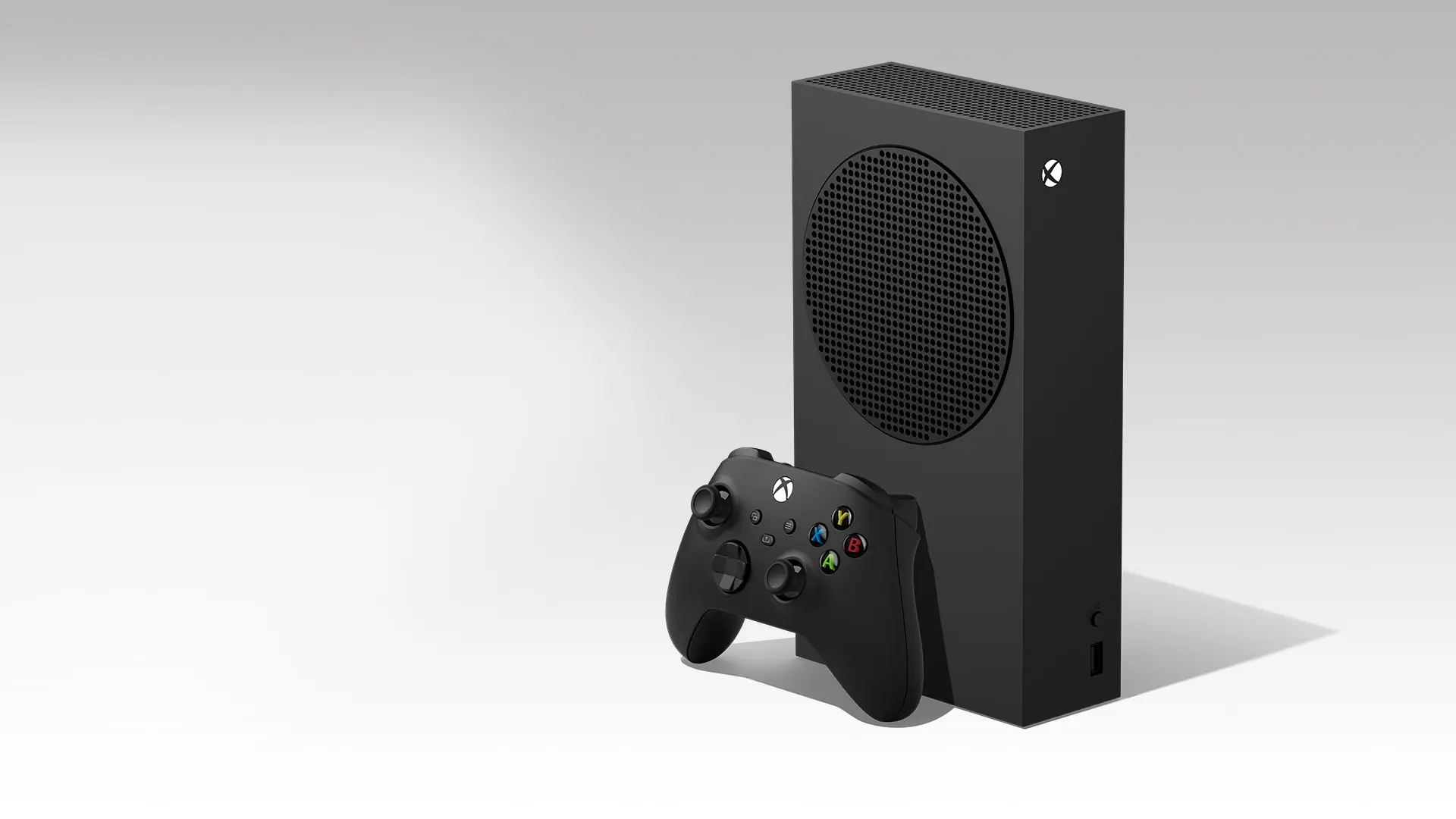
The Xbox Series S sports a unique black fan vent resembling a speaker grille on top, breaking up the dominant white color covering the rest of the console. Most of the heat is efficiently exhausted through this vent. It’s the most compact Xbox ever produced, with a clean and functional front face featuring a single USB port and a power button.
As for connectivity, it offers an HDMI 2.1 output, two USB 3.2 ports, an Ethernet port, a storage expansion slot, and an AC input. Notably, the Xbox Series S lacks a port for Kinect, the now-defunct motion-sensing camera, and an HDMI input for cable boxes. It’s worth mentioning that the console ships with a High-Speed HDMI cable, not an Ultra High-Speed HDMI cable.
In terms of size and weight, the Xbox Series S measures 6.5 x 15.1 x 27.5cm and weighs approximately 4.25 pounds (around 2kg). Its compact size ensures it fits easily into most entertainment center cabinets and on TV stands, making it portable enough to take to a friend’s house or on a vacation.
Despite resembling the design of the previous generation, it’s reasonable to appreciate the continuity, especially when marketed as part of a device family. Its appearance is straightforward and industrial-like.
Xbox Series S Review: Controller
Enhanced tactile feel due to thoughtful refinements
Shorter triggers and improved grip thanks to a new textured finish
Welcome addition of a Share button, and a satisfying 360-degree D-pad
Unfortunately, it still relies on AA batteries
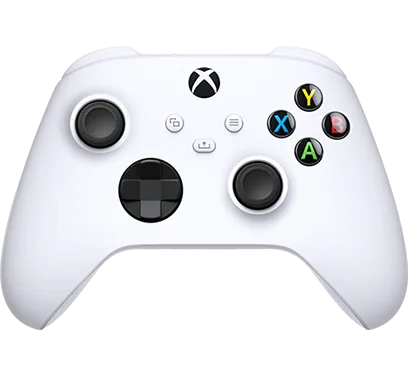
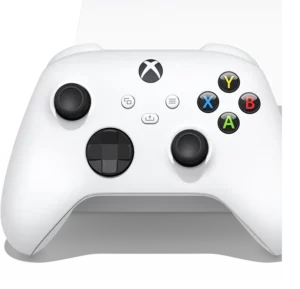
Transitioning from the Xbox One Controller, you might initially think that the Xbox Wireless Controller for Series X/S hasn’t changed much. However, it’s now more comfortable and user-friendly, thanks to subtle ergonomic adjustments.
The controller’s overall dimensions have been slightly altered, making it slightly smaller overall without becoming noticeably different to the average user. This adjustment allows more hand sizes to comfortably use the new Xbox controller. Other enhancements include textured and matte finishes on the handles, triggers, and bumpers, providing better grip during intense gaming sessions.
One of the most significant changes to the controller is the revised D-pad, now a full 360-degree pad that offers an enjoyable experience for your thumb. Each direction provides a satisfying click with tactile feedback (though some may find it noisier than desired). The smooth finish allows for smooth execution of half-circle sweeps in fighting games.
Another minor change involves shortening the triggers to accommodate smaller hands. These triggers still feature haptic feedback via rumble motors, although it’s not as advanced as the adaptive triggers in the PS5 DualSense controller, which can adjust resistance dynamically.
The new Share button serves its purpose well, capturing and sharing in-game moments on your Xbox Feed or social media. A single click captures a snapshot, while holding the button captures a 15-second video (duration adjustable in the Capture settings). It’s a more user-friendly approach compared to the Xbox One, where you had to press the home button twice and then X or Y, although it may take some getting used to if you’re accustomed to the old method.
Overall, the controller maintains the familiar features, including two asymmetrical analog sticks, menu and view buttons replacing start and select, and the four face buttons (A, B, X, Y).
The Xbox Series S controller retains its 3.5mm audio jack and expansion port at the bottom, but it now utilizes a USB Type-C charging port instead of microUSB. Additionally, the pairing button is located at the top for syncing the controller to the console or for Bluetooth pairing.
While the new Xbox controller remains comfortable to use, its primary drawback is the continued reliance on AA batteries. This contrasts with rechargeable lithium-ion cells found in controllers like the Xbox Elite Wireless Controller or Xbox Elite Wireless Controller Series 2. A pair of AA batteries typically lasts around 10 days of heavy gaming.
For those who find the idea of AA batteries in a controller in 2020 off-putting, Microsoft offers a play-and-charge kit, comprising a rechargeable battery and USB-C cable, for $24.99 (£20.99 / AU$29.95), offering long-term cost savings (rechargeable AAs can also be used).
Although the kit incurs additional expenses that may be bothersome to some, it provides flexibility and avoids the issues associated with lithium-ion cell batteries, which can deteriorate over time and are costlier to replace in case of malfunctions.
Our recommendation? Consider rechargeable batteries or Microsoft’s play-and-charge kit if you anticipate more than 40 hours of gaming per week.
“Is the Xbox Series S Right for You? A Buyer’s Guide” Buy the Xbox Series S if…
You’re on a budget but crave a next-gen gaming experience: The Xbox Series S offers native 1440p gaming with up to 120 frames per second support, making it a compelling choice for original Xbox One owners seeking a significant upgrade.
You prefer digital gaming with Xbox Game Pass and Xbox Live Gold: Embrace the digital era by pairing your Xbox Series S with Xbox Game Pass and Xbox Live Gold subscriptions. Access the latest first-party games on release day, enjoy online play, and receive two free games each month with Xbox Live Gold.
You’re fed up with lengthy loading screens: Benefit from the Xbox Series S’s SSD and Microsoft’s Xbox Velocity Architecture, enabling quick game switching with Quick Resume and significantly reducing load times compared to previous generations.
Think twice about buying the Xbox Series S if…
You want to keep a vast game library installed at all times: While the SSD is speedy, the Xbox Series S sacrifices storage space. After accounting for the operating system, you’re left with approximately 364GB of usable space, which may fill up rapidly. Consider upgrading to the Xbox Series X or investing in external storage if you prefer keeping many games installed.
You have an extensive collection of physical games or Blu-rays: The Xbox Series S lacks a disc drive, preventing you from playing your older Xbox 360 or Xbox One games on the new console. Additionally, it cannot function as a 4K UHD Blu-ray player, a feature available in the Series X, One X, and One S.
You seek an uncompromised next-gen experience: While the Xbox Series S offers features like Quick Resume, ray tracing, and 120fps gameplay support, it falls short of the native 4K resolution found in most games on Microsoft’s flagship console. Additionally, the absence of a disc drive and limited SSD storage may not meet the demands of a true next-gen experience.