Gaming
The Ultimate Guide to the Best Free Games 2023
"Explore 2023's top Best Free Games and excel in online gaming. Get tips and insights to enjoy these virtual worlds for free!"
Est: 6 min
Updated: September 13, 2023
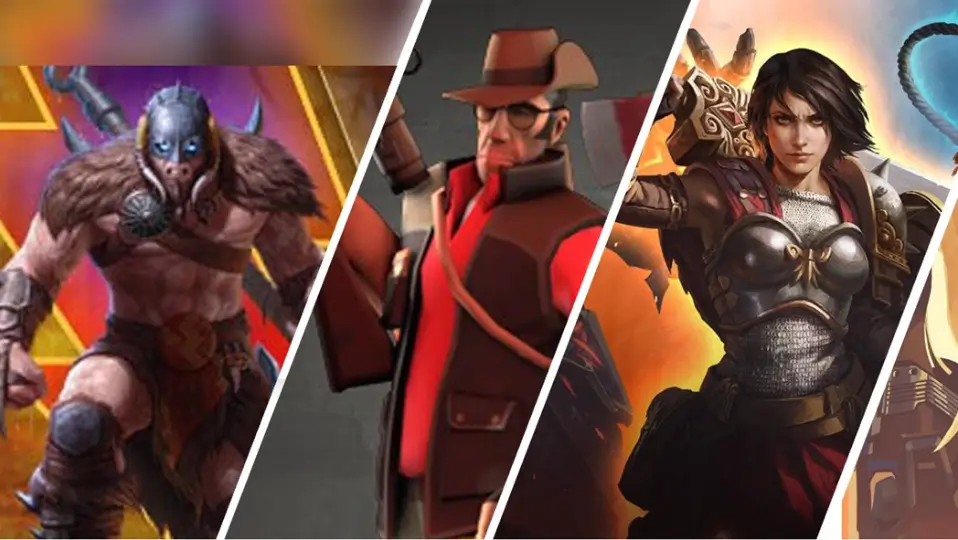
In the ever-evolving world of online gaming, free-to-play games have gained immense popularity. These games offer players the chance to enjoy thrilling experiences without the burden of upfront costs. We’ve curated a comprehensive list of the finest free-to-play games that will keep you engaged for hours on end. This guide not only highlights the most enjoyable titles but also provides valuable insights and tips to help you excel in these virtual worlds.

Free-to-play (F2P) games have captured the hearts of millions of gamers worldwide. They are enticing for several reasons:
1. Zero Cost Entry
One of the most significant advantages of F2P games is that they don’t require you to open your wallet upfront. Players can dive right into the action without any financial commitment, making them accessible to a wide audience.
2. Diverse Game Selection
The world of free-to-play gaming is incredibly diverse, offering a wide array of genres to choose from. Whether you’re into first-person shooters, role-playing games, or strategy simulations, there’s a F2P game tailored to your preferences.
3. Community Engagement
Many free-to-play games foster robust communities, encouraging players to team up, strategize, and compete together. This sense of camaraderie and competition adds a social element that keeps players coming back for more.
4. Constant Updates
Developers of F2P games frequently release updates, new content, and in-game events to keep the gameplay fresh and exciting. This ensures that players have a reason to return regularly.
Now, let’s delve into the top free-to-play games of 2023 that you need to check out:
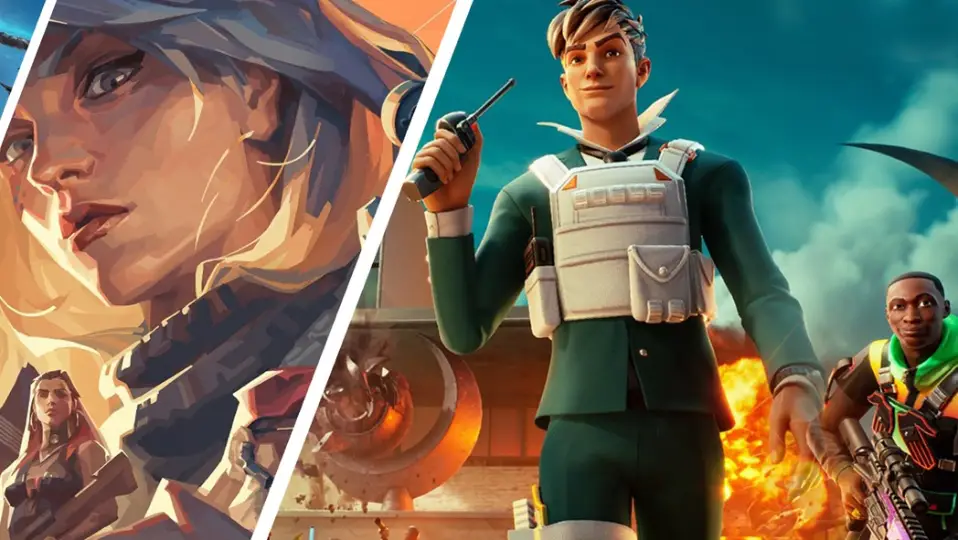
Fortnite continues to dominate the battle royale genre with its fast-paced action, building mechanics, and vibrant graphics. The game offers a consistent stream of updates, introducing new skins, challenges, and limited-time events to keep players engaged.

Source : Fortnite
League of Legends, a renowned multiplayer online battle arena (MOBA) game, boasts a massive player base. Its strategic gameplay, diverse champion roster, and regular patches make it a staple in the competitive gaming scene.

Source : League Of Legends
Warframe is a free-to-play, action-packed title that offers players the role of futuristic space ninjas. With its engaging storyline, extensive customization options, and cooperative gameplay, it’s a must-try for fans of science fiction.

Source : Warframe
Apex Legends delivers a thrilling battle royale experience, featuring unique legends with distinct abilities. The game’s fluid movement mechanics and regular updates ensure that it remains a top choice for competitive gamers.

Source : Apex Legends
Genshin Impact is an open-world action RPG that has taken the gaming world by storm. Its breathtaking visuals, expansive world, and deep storytelling make it a standout F2P title.
To make the most of your gaming experience, here are some tips that will help you excel in the world of free-to-play gaming:
1. Set Limits
While free-to-play games are free upfront, they often include in-game purchases. Set a budget for these purchases to avoid overspending.
2. Practice Regularly
Improvement comes with practice. Dedicate time to mastering the mechanics and strategies of your chosen game.
3. Join Online Communities
Engage with online forums, subreddits, and Discord communities related to your game of choice. You’ll gain valuable insights and possibly find teammates to play with.
4. Stay Updated
Keep an eye on patch notes and developer announcements to stay informed about changes and events in your game.
5. Have Fun
Above all, remember that gaming is meant to be enjoyable. Don’t get too caught up in winning; instead, focus on having a great time.
Free-to-play games offer an incredible gaming experience without the need to spend a dime. With the right knowledge and practice, you can excel in these virtual worlds and enjoy countless hours of entertainment. Remember to explore our top picks for 2023 and follow our tips to make the most of your free-to-play gaming journey.
Specific free games released in 2023 can vary, but you can keep an eye on gaming news and platforms for announcements.
The top game in 2023 can change over time and is subjective to personal preferences. Popular titles in 2023 might include anticipated releases and ongoing favorites.
Several games are worth playing in 2023, depending on your interests. It’s advisable to explore new releases, updates to existing games, and genres you enjoy.
As of my last update in September 2021, “GTA 5” wasn’t officially available for free, but there were occasional promotions or giveaways on various gaming platforms. You can check for current offers.
The #1 PC game can vary by player preferences and popularity at a given time. Games like “Minecraft,” “League of Legends,” and “Counter-Strike: Global Offensive” have had significant player bases.
Yes, you can play some Call of Duty games for free. “Call of Duty: Warzone” and “Call of Duty: Mobile” are free-to-play titles in the franchise.
There are many free-to-play games available across different genres. Popular options include “Fortnite,” “Apex Legends,” “Valorant,” and “Genshin Impact.”
The popularity of games in India in 2023 can change, but games like “Free Fire,” “PUBG Mobile,” and “Call of Duty: Mobile” have had significant player bases.
The top mobile game can vary, but games like “PUBG Mobile,” “Garena Free Fire,” and “Among Us” have been popular on mobile devices.
The most downloaded game can change over time, but “Tetris” and “Minecraft” are among the most downloaded games of all time.
There are numerous PC games to choose from, depending on your preferences. Some options include “Cyberpunk 2077,” “The Witcher 3,” and “Valorant.”
The title of the “best” game in the world is subjective and can vary from person to person. It often depends on individual gaming preferences and genres.
Whether video games are worth playing depends on personal interests and how you enjoy spending your leisure time. Many people find gaming to be a rewarding and enjoyable hobby.
“GTA 5” typically requires around 70-80 GB of storage space on PC, but the exact size can vary based on updates and platform.
While “GTA 5” has been offered for free on various platforms during promotional periods, it is a commercial game, and the developers usually charge for it to support ongoing development and maintenance.
Rockstar Games occasionally offers “GTA” games for free as part of promotions. The specific games and availability can vary, so it’s advisable to check official announcements.
“World of Warcraft” (WoW) is not entirely free to play. It requires a subscription, but it offers a limited free trial.
The biggest game in the world can change, but “Fortnite,” “Minecraft,” and “League of Legends” have held significant player bases.
The rarity of PC games can depend on factors like limited editions, discontinued releases, and collector’s items. Specific rare PC games can vary.
The title of the number one game in India can vary based on factors like popularity and region. Games like “Free Fire” and “PUBG Mobile” have been popular in the Indian gaming community.
“PUBG Mobile” reached over 1 billion downloads worldwide, making it one of the most downloaded mobile games.
The highest GB game on the Google Play Store can change, but games like “Genshin Impact” have been known for their larger file sizes.
The storage size of “GTA” games can vary, but they are often around 70-80 GB, not 100GB.
A storage space of 70 GB should be sufficient for “GTA 5,” but it’s advisable to have some extra space for updates and mods.
Whether “GTA 5” can run on your laptop depends on your laptop’s specifications. You can check the game’s system requirements to determine if your laptop meets them.
A 2GB graphics card may run “GTA 5,” but you may need to lower the graphics settings for optimal performance. A more powerful graphics card is recommended for higher settings.
8 GB of RAM is generally sufficient for running “GTA 5,” but having more RAM can provide smoother gameplay and faster loading times.
To find out what graphics card you have, you can go to your computer’s Device Manager on Windows or use the “About This Mac” option on macOS to check your graphics hardware.