What’s New and Exciting in 2023 Apple TV+: Your Essential Guide
"Explore Apple TV+: Your FAQs Answered, Access, and More – Dive into ad-free streaming, device options, and offline viewing details."
Est: 9 min
Updated: August 25, 2023
Sources: apple.com
Table of Contents
Introducing the Future of Entertainment: Apple TV+
Welcome to a world of perpetual freshness with New Apple Originals arriving every month, and the best part? No ads, ever. Dive into a seamless streaming experience via the Apple TV app on a range of Apple devices, smart TVs, consoles, and sticks. Immerse yourself in stunning 4K HDR video content, enriched by the immersive embrace of Spatial Audio. And here’s the icing on the cake: you can share this incredible subscription with up to five individuals, making the enjoyment even more inclusive.
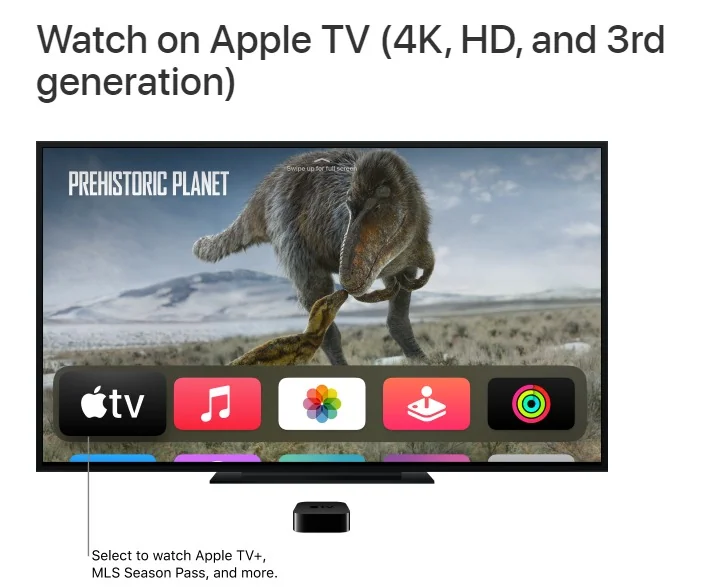
Watch on Apple TV (4K, HD, and 3rd generation)
If you own an Apple TV 4K or an Apple TV HD, you’ll discover a rich array of content within the Apple TV app, including Apple TV+, Friday Night Baseball, MLS Season Pass, Apple TV channels, movies, and TV shows.
For those with a third-generation Apple TV, you can also access Apple TV+, Apple TV channels, movies, and TV shows through the Apple TV app.
If you’re unsure about which Apple TV model you have, refer to the Apple Support article titled “Identify your Apple TV model” for clarification.
How to watch on your Apple TV
Access the Apple TV app directly from your home screen. Navigate through the following options:
Watch Now: Begin your entertainment journey by accessing movies, TV shows, and sports all in one place. Utilize the Up Next row to conveniently locate items you’ve started but haven’t finished.
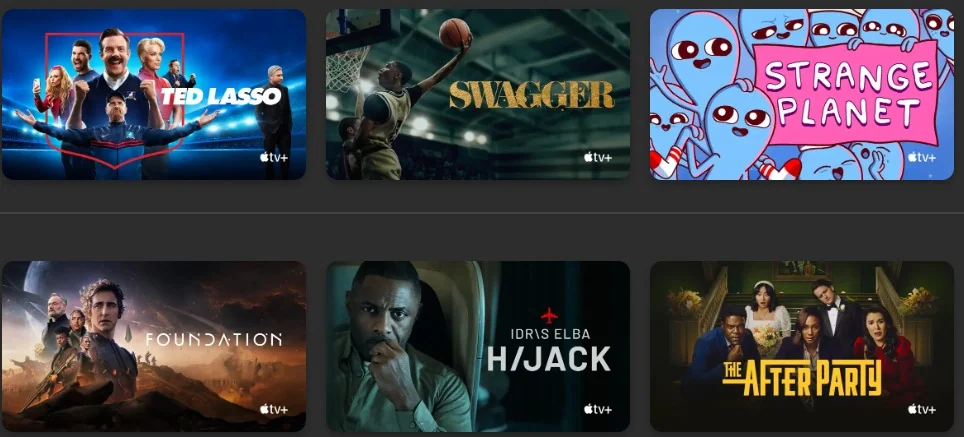
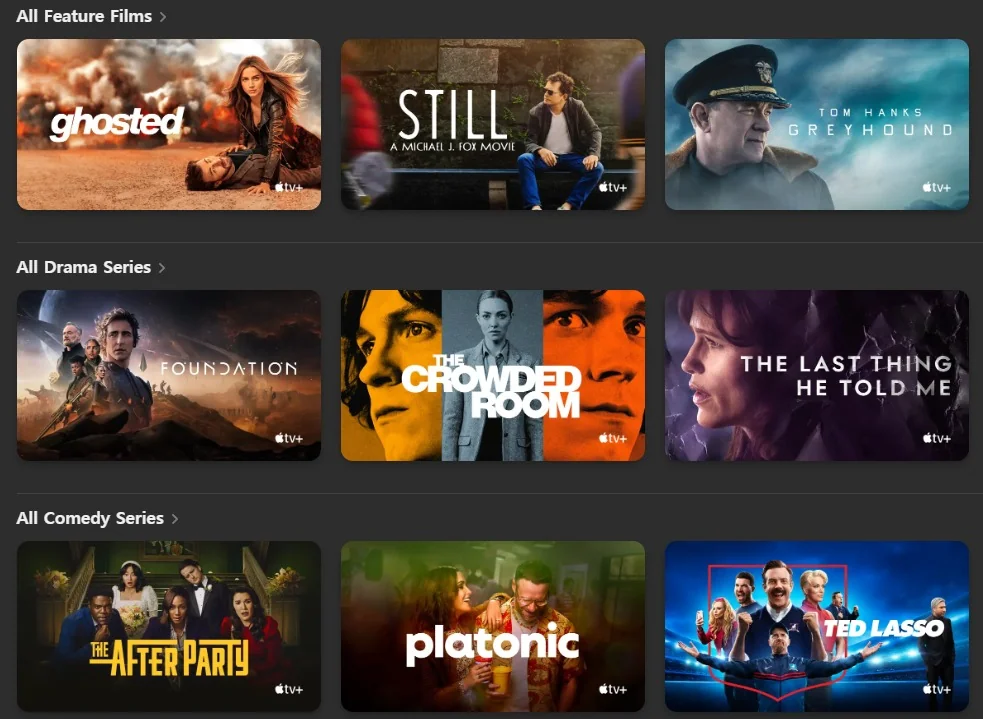
Apple TV+: Explore and enjoy Apple TV+, a subscription-based streaming service showcasing Apple Originals, which encompass award-winning films, captivating series, gripping dramas, groundbreaking documentaries, family-friendly entertainment, comedies, and more. Expect fresh content additions each month.
Store: This comprehensive hub is your go-to destination for browsing, purchasing, and renting top-tier movies and TV shows.
Sports: Gain instant entry to an extensive range of live and scheduled sporting events, including MLS Season Pass and Friday Night Baseball (note: Apple TV 4K or Apple TV HD with tvOS 16.2 or later is required for MLS Season Pass and Friday Night Baseball).
Library: Keep your purchases and rentals neatly organized, categorized for easy access.
Search: Swiftly locate TV shows and movies by their title, cast, or crew. If your Apple TV isn’t running the latest version of tvOS, it’s crucial to update it to ensure optimal functionality.
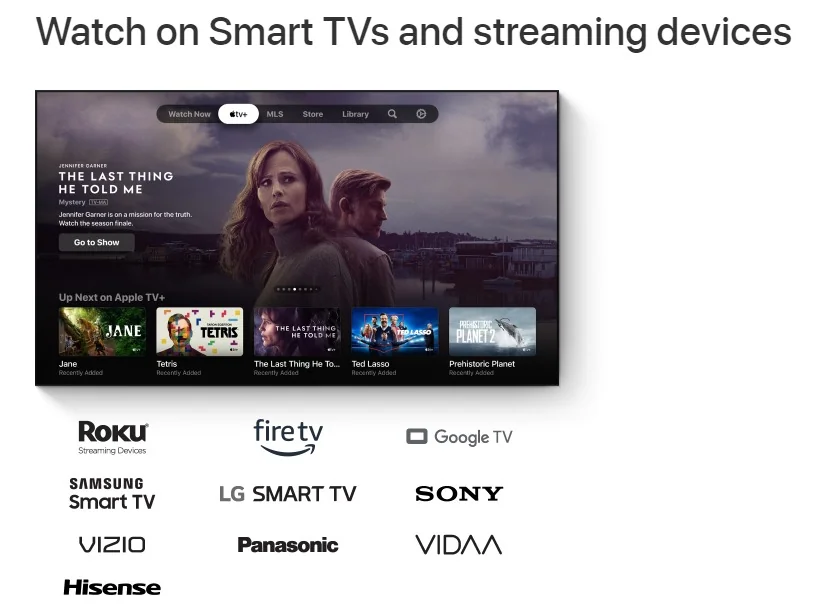
Watch on Smart TVs and streaming devices
Search for the Apple TV app either on the home screen or within the apps folder of your Smart TV or streaming device. If the app isn’t present, you might need to install it. Once installed, launch the app and log in using your Apple ID.
Should you require further assistance, refer to the device-specific instructions provided below.
Smart TVs
Ensure your Smart TV is connected to your WiFi network and follow these steps to download the Apple TV app on your Smart TV. Note that some Smart TVs and streaming devices might not support purchases within the Apple TV app. In such cases, you can use your Apple ID to make purchases on an Apple device or another supported streaming device. Then, sign in with the same Apple ID on your TV to access your content.
Here’s what to do based on your Smart TV model:
Samsung: Locate and select the Apps icon on the home screen.
LG: Choose either the Search icon or the Apps icon on the home screen.
Sony: For models from 2020, 2019, and 2018, ensure your TV’s software is up-to-date. Refer to Sony support. For 2021 or later models, follow the instructions for Android TV or Google TV.
Panasonic: Find the Apple TV+ app on the apps list page and proceed to step 4.
VIZIO: Move on to step 4.
HiSense Roku TV: Follow the instructions in the Roku task below.
HiSense Android TV: Follow the instructions in the Android TV task below.
VIDAA: Select My Apps on the home screen, then App Store. Browse or search for “Apple TV.” Follow the onscreen instructions to download the Apple TV app or Apple TV+ app (whichever is available for your Smart TV). Once downloaded, open the Apple TV or Apple TV+ app from your Smart TV’s home screen or app launcher. Sign in with an Apple ID if prompted.
If you don’t have an Apple ID yet, you can create one on the Apple ID website. Remember, one Apple ID is all you need to access Apple TV app services.
For Roku:
On your Roku home screen, select Search Channels.
Search for “Apple TV.”
Follow the instructions to add the channel, then choose the Apple TV app.
Once added, the Apple TV app will appear in the channels section of the home screen. Open it and sign in with an Apple ID if prompted.
For Fire TV:
Amazon Fire TV doesn’t support purchases within the Apple TV app. However, signing in with your Apple ID allows access to your purchased, rented, or subscribed content.
On your Amazon Fire TV home screen, select Search. Search for “Apple TV” or use Alexa to say “Apple TV app.”
Choose the Apple TV app in Apps & Games and select Get.
Once downloaded, the Apple TV app will appear in the Apps & Channels section of the home screen. Open it and sign in with an Apple ID if prompted. Optionally, you can use Amazon.com to sign in to your account and follow the instructions to deliver the app to your Amazon Fire TV device.
For Android TV:
Android TV doesn’t support purchases within the Apple TV app. However, signing in with your Apple ID allows access to your purchased, rented, or subscribed content.
On the Android TV home screen, select Search and search for “Apple TV.”
Follow the onscreen instructions to download and install the Apple TV app.
After installation, find the Apple TV app in the Apps tab or add it to your Favorites on the home screen. Open the app and sign in with an Apple ID if prompted.
For Google TV:
Google TV doesn’t support purchases within the Apple TV app. However, signing in with your Apple ID allows access to your purchased, rented, or subscribed content.
On the Google TV home screen, you can either select Search and search for “Apple TV” or choose Apps and select “Search for apps” to find “Apple TV.”
Follow the onscreen instructions to download and install the Apple TV app.
After installation, locate the Apple TV app in the “Your apps” section of the “For you” screen. Select Open and sign in with an Apple ID if prompted.
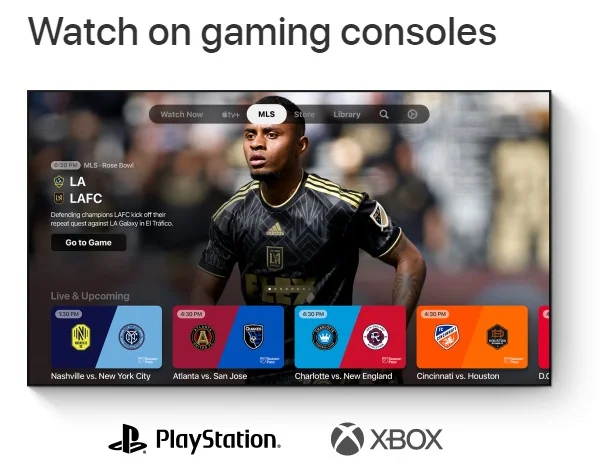
Watch on gaming consoles
Locate the Apple TV app on your gaming console (install it if needed), then open the app and sign in using your Apple ID.
If you require additional assistance, choose your console below and adhere to the provided instructions:
For PS5 or PS4:
The Apple TV app can be found in the Media Hub on PS5 or in the TV & Video section on PS4.
Depending on your device:
On PS5: Navigate to the Media Hub, then select the Apple TV app in the apps row to open it.
On PS4: Go to TV & Video, then choose the Apple TV app in the apps row to open it.
If the Apple TV app isn’t available on your PlayStation, consider using AirPlay 2 to share your screen from your iPhone, iPad, iPod touch, Mac, or other compatible devices to your television.
For Xbox One, Xbox Series X, or Xbox Series S:
Locate and download the Apple TV app from the Xbox Store.
From your Xbox’s Home menu, navigate to Store, then search for “Apple TV.” Follow the onscreen instructions to install it.
Alternatively, from the Home menu, navigate to Entertainment or “My games and apps.” Select the Apple TV app to open it.
If prompted, sign in with your Apple ID.
Get ready to enjoy seamless entertainment through the Apple TV app on your gaming console!
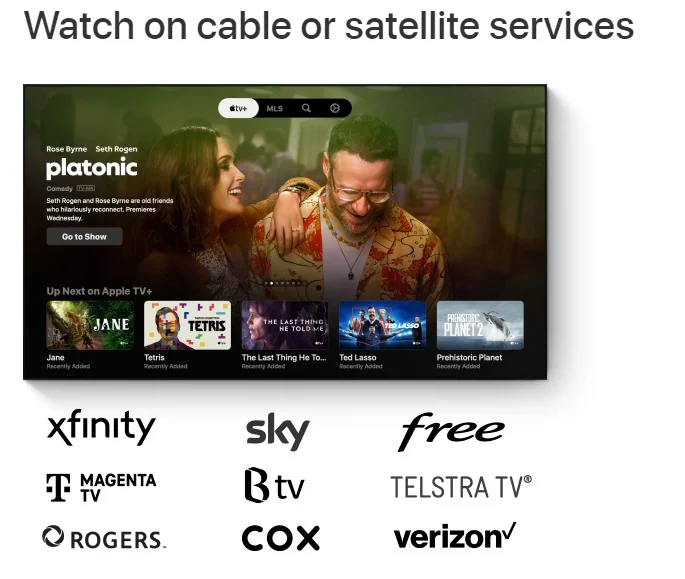
Watch on cable or satellite services
Search for the Apple TV+ or Apple TV app on your cable or satellite receiver (install it if required), then launch the app and sign in using your Apple ID.
For further assistance, refer to the instructions provided below.
You can typically locate the Apple TV+ or Apple TV app in the apps folder of most cable or satellite receivers. If it’s not visible, search for “Apple TV” to initiate the download and installation process.
On your cable or satellite receiver, access the Search function. Look for “Apple TV” and follow the onscreen instructions to download the Apple TV+ or Apple TV app.
Once downloaded, access the app through your cable or satellite service receiver’s app launcher. Choose either the Apple TV+ app or the Apple TV app to open it. If prompted, sign in with your Apple ID.
Enjoy the convenience of the Apple TV+ or Apple TV app right from your cable or satellite receiver!
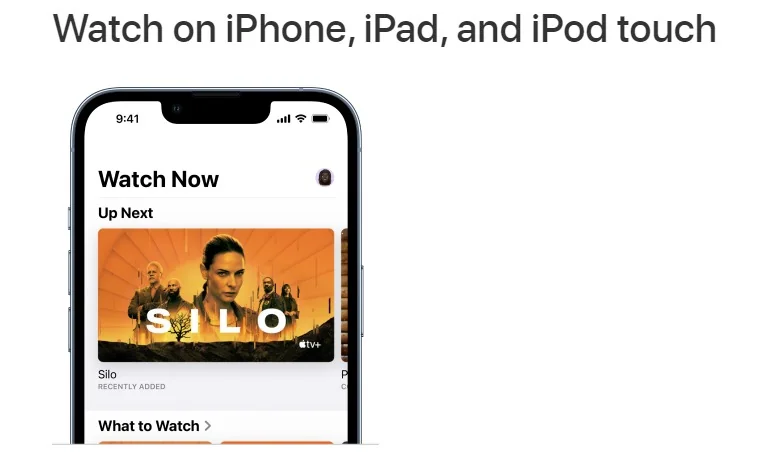
View on iPhone, iPad, and iPod touch
Access Apple TV+, MLS Season Pass, and other channels through the Apple TV app on devices equipped with the latest versions of iOS and iPadOS. The convenience extends as you can commence watching on your mobile device and seamlessly resume on a larger screen using the Apple TV app.
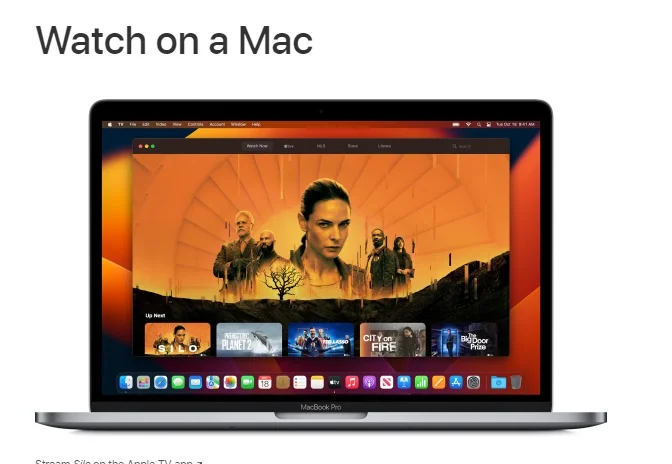
Experience on a Mac
The Apple TV app serves as your initial destination to embark on an Apple TV+ journey, complete with Friday Night Baseball, MLS Season Pass, and more, right on your Mac. Your collection of TV shows, movies, MLS events, and beyond are all consolidated within this hub.
Compatibility-wise, the Apple TV app mandates macOS Catalina 10.15, macOS Big Sur 11.0, macOS Monterey 12.0, or a more recent version. For access to MLS Season Pass and Friday Night Baseball, ensure your macOS is updated to Ventura 13.2 or later.
To dive into the experience on your Mac:
Launch the Apple TV app.
Click on “Watch Now.”
Scroll down to explore Apple TV+, Apple TV channels, as well as featured movies and TV shows, then choose your desired content.
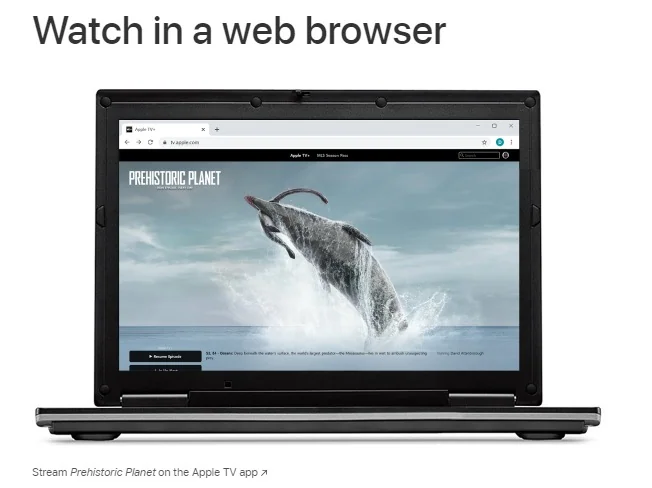
Watch in a web browser
You can access Apple TV+ and MLS Season Pass using the Chrome and Firefox web browsers on a Windows PC (including Microsoft Surface), Chrome OS device, or Android device.
Here’s how to watch via a web browser:
Visit tv.apple.com to both subscribe to and watch Apple TV+ or MLS Season Pass using a web browser.
If you already possess an Apple ID, sign in to initiate your free trial. You might be prompted to add or verify a credit card to ensure authorized access for the account holder on the web. For more details, refer to the Apple Support article on Parental Controls for Apple TV+ on the web.
Getting Started with the Apple TV or Apple TV+ App
If you have the Apple TV+ app, simply select Apple TV+ to:
Explore and enjoy the subscription streaming service, showcasing Apple Originals such as award-winning films, series, compelling dramas, groundbreaking documentaries, kids’ entertainment, comedies, and more. Expect new additions every month.
Gain immediate access to live and scheduled Major League Soccer events by subscribing to the MLS Season Pass.
Please be aware: The functionality of the Apple TV+ app is focused on Apple TV+ movies and TV shows exclusively. It does not encompass Apple TV channels or other features present in the Apple TV app on different devices.
Apple TV+ is a streaming service that offers a collection of Apple Originals, including award-winning series, captivating dramas, groundbreaking documentaries, kids’ entertainment, comedies, and more. New Apple Originals are consistently introduced each month.
How can I watch it?
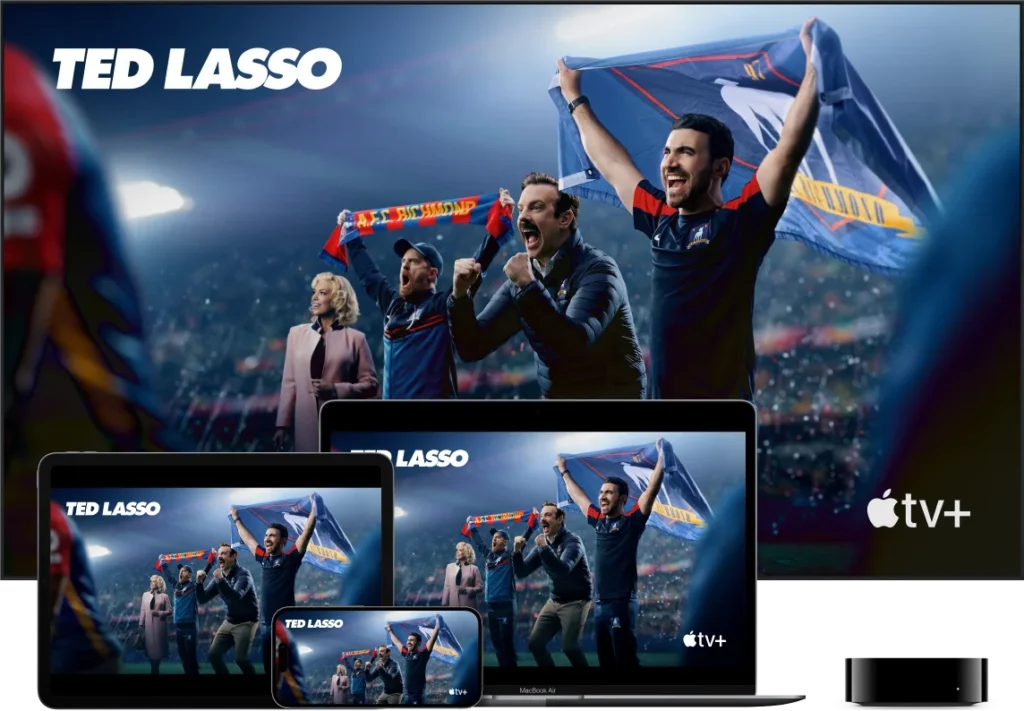
You can enjoy Apple TV+ through the Apple TV app, which is readily available on your preferred Apple devices. Simply open the app, select Apple TV+, and indulge in the diverse array of shows and movies. Additionally, you can access Apple TV+ on streaming platforms, popular smart TVs, and AirPlay-enabled TVs using the Apple TV app. Alternatively, you can stream content online at tv.apple.com.
What does it cost?
The pricing varies based on the offer you choose:
When you purchase an Apple device, Apple TV+ is complimentary for three months.
A monthly subscription costs only $6.99 after a free seven-day trial.
Apple TV+ is included within the Apple One bundle, which combines up to five other Apple services into a single monthly subscription. Apple One plans start at $16.95 per month.
The Apple Music Student Plan comes with a free Apple TV+ subscription.
Can I share with my family?
Certainly. Apple TV+ enables you to share your subscription with up to five family members.
Are there commercials? And can I watch on demand?
Apple Originals are consistently ad-free. Fresh movies and series are added every Wednesday and Friday, although certain shows release all episodes at once. You have the freedom to watch these offerings on demand, whenever and wherever you like.
Do I need an Apple TV 4K?
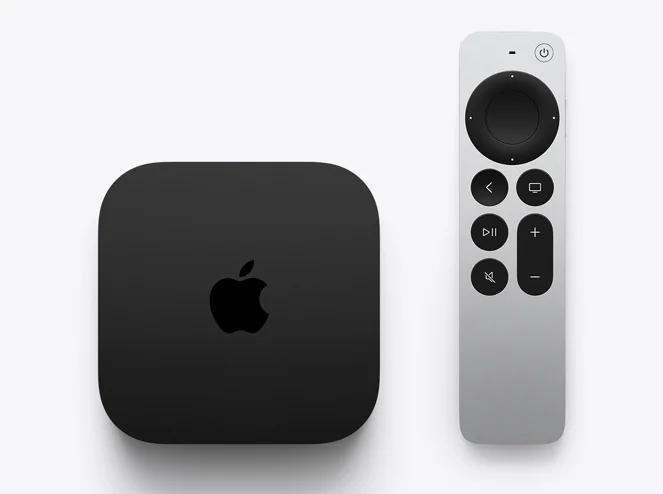
No, it’s not mandatory. While the Apple TV 4K, featuring 4K HDR and Dolby Atmos sound, provides an exceptional way to enjoy Apple TV+, the original shows and movies on the platform are always accessible via the Apple TV app on your favorite devices.
Can I download to watch offline?
Absolutely. You can download your preferred Apple Originals to your Apple device and enjoy them without requiring a Wi-Fi connection, wherever you are.
Don’t have a streaming device or supported Smart TV?
If you don’t have a supported device, you can still experience Apple TV+. It’s now offered free for a three-month period when you purchase an Apple TV 4K. Alternatively, you can access Apple TV+ through your web browser by visiting tv.apple.com.
How do you pay for Apple TV?
Join Apple TV+ Access the Apple TV app on your Apple TV. In the menu bar, click on Watch Now. Scroll down to access Apple TV channels, then choose Apple TV+. Click the subscription button and proceed with the onscreen directions. If you already possess an Apple ID, sign in to begin your free trial.