WPvivid: The Secret Weapon for Effortless WordPress Website Cloning and Restoration
WPvivid is the ultimate solution for seamless WordPress website cloning and restoration. Effortlessly duplicate and restore your WordPress sites with WPvivid's.
Est: 4 min
Updated: June 29, 2023
Sources: wpvivid.com
Table of Contents
Introduction
In the fast-paced world of website management, having a reliable solution for cloning and restoring WordPress websites is a game-changer. Wpvivid emerges as the secret weapon that simplifies the entire process, providing effortless website replication and restoration capabilities.
Understanding the Importance of Website Cloning and Restoration
Website cloning and restoration play a vital role in various scenarios. Whether you’re developing a new website, migrating to a new host, or preparing for disaster recovery, having a reliable tool like WPvivid ensures peace of mind and efficient workflows.
WPvivid: A Game-Changing WordPress Plugin
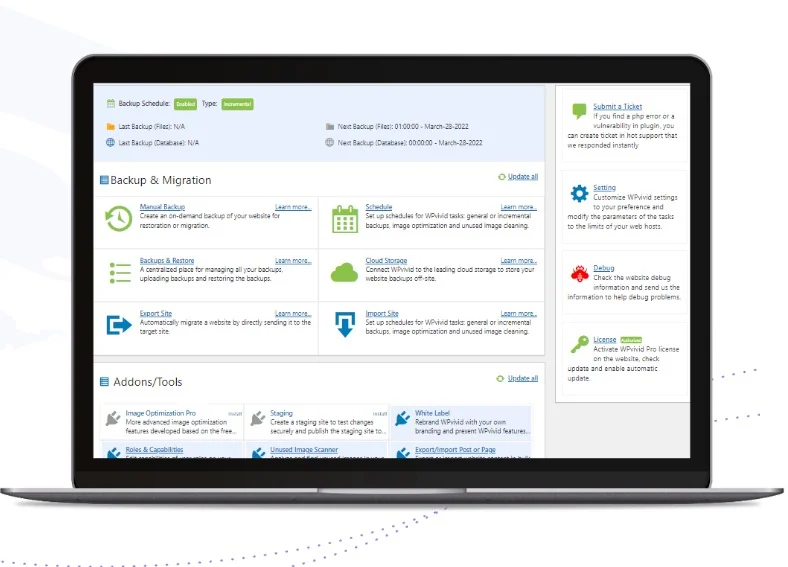
WPvivid is a powerful WordPress plugin designed to revolutionize website cloning and restoration. It combines simplicity, versatility, and robust functionality to offer a comprehensive solution for website replication and recovery.
The Benefits of wpvivid for Website Cloning
WPvivid brings several key benefits to the table, making it the go-to choice for effortless website cloning. Let’s explore some of its notable advantages:
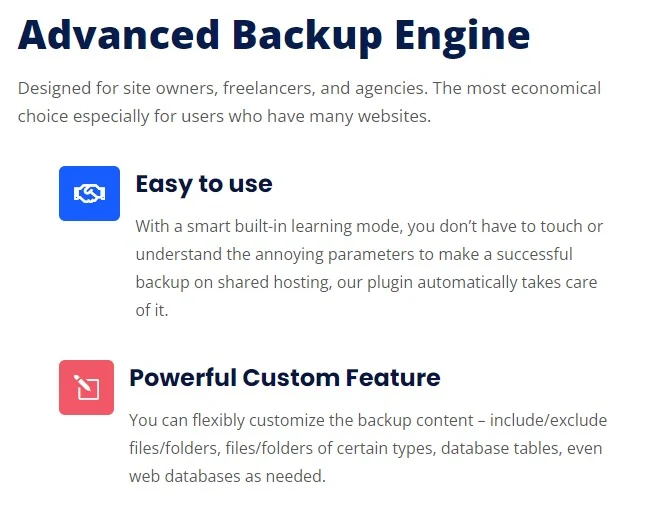
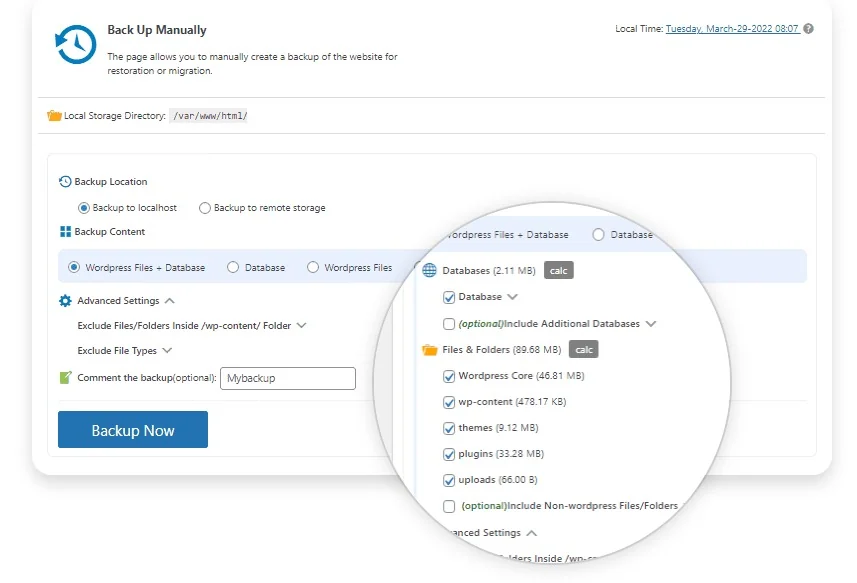
Streamlined Cloning Process: WPvivid simplifies the cloning process, allowing you to replicate your entire website with just a few clicks.
Full Website Replication: From themes and plugins to media files and databases, WPvivid ensures a complete replication of your website.
Safe and Reliable Restoration: With wpvivid, restoring your website from a backup becomes a seamless and secure process.
WPvivid finds practical applications in various scenarios, including:
Website Development and Testing: Create clones of your website for development and testing purposes without affecting your live site.
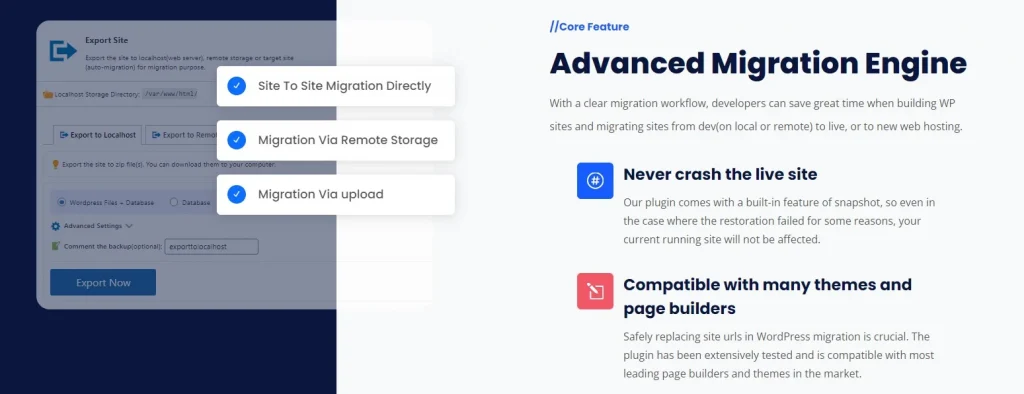
Website Migration and Transfer: Seamlessly move your website to a new host or domain using WPvivid’s cloning capabilities.
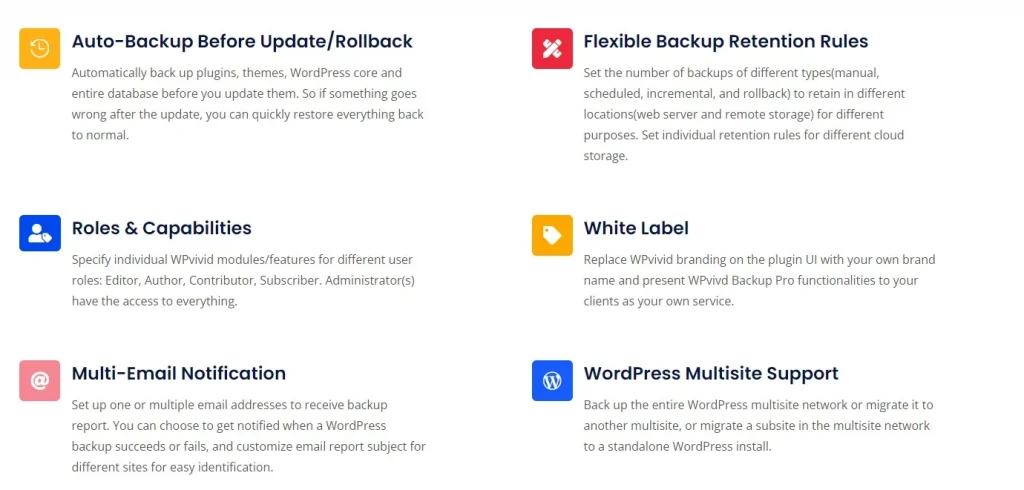
Disaster Recovery and Backup Management: Protect your website from data loss and easily restore it in case of emergencies.
Website Deployment and Staging: Utilize WPvivid to create staging environments where you can test website changes before going live.
WPvivid vs. Traditional Cloning and Restoration Methods
Compared to traditional methods, WPvivid stands out as a superior solution. Its user-friendly interface, extensive feature set, and reliable performance make it the preferred choice for website owners and developers.
Conclusion
WPvivid is the ultimate secret weapon for effortless WordPress website cloning and restoration. Its intuitive interface, powerful features, and seamless functionality empower website owners to clone, replicate, and restore their websites with ease. With WPvivid, you gain peace of mind knowing that your valuable website data is safe and can be recovered effortlessly when needed.
How does WPvivid differ from other website cloning plugins?
WPvivid sets itself apart from other website 0cloning plugins through its user-friendly interface, extensive feature set, and reliable performance. It offers a streamlined cloning process, full website replication, and safe restoration capabilities, making it a comprehensive solution for website owners.
Can I use WPvivid to migrate my website to a new domain?
Absolutely! WPvivid is designed to facilitate website migration tasks. With its cloning functionality, you can easily clone your website and migrate it to a new domain hassle-free, ensuring a smooth transition for your website visitors.
Does WPvivid support incremental backups?
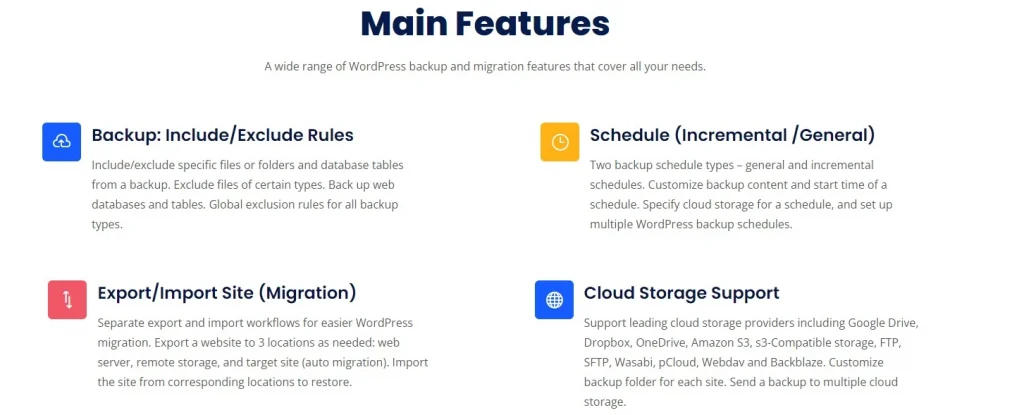
Yes, WPvivid supports incremental backups. This feature allows you to perform backups of only the changes made since the last backup, optimizing resource usage and reducing backup times. With WPvivid, you can efficiently manage your backups and save storage space.
Which cloud storage providers are compatible with WPvivid?
WPvivid offers seamless integration with popular cloud storage providers such as Dropbox, Google Drive, and Amazon S3. You can conveniently store your backups in these cloud storage platforms, ensuring secure and reliable storage for your valuable website data.
Can I create staging sites with WPvivid for testing purposes?
Absolutely! WPvivid empowers you to create staging sites for testing and development purposes. With the staging site feature, you can safely experiment with changes, updates, or new designs without affecting your live website. This allows you to thoroughly test and ensure the quality of your modifications before deploying them to your production site.
How do I restore my website using WPvivid backup plugin?
Restoring your website with WPvivid is a straightforward process. Follow these steps:
Install and activate the WPvivid backup plugin on your WordPress site.
Navigate to the WPvivid Backup tab in your WordPress dashboard.
Select the backup file you want to restore from the available backups.
Click on the Restore button and follow the on-screen prompts to complete the restoration process. WPvivid will restore your website to the selected backup version.
How do I migrate a website using WPvivid?
WPvivid simplifies the website migration process. Here’s a step-by-step guide:
Install and activate the WPvivid backup plugin on your existing website.
Create a backup of your current website using WPvivid.
Install WordPress on your new hosting or domain.
Install and activate the WPvivid plugin on your new WordPress site.
Navigate to the WPvivid Backup tab on your new site’s dashboard.
Select the backup file from your previous website and click on the Restore button.
Follow the instructions provided by WPvivid to complete the migration. WPvivid will handle the transfer of your website’s files, database, and settings to the new location.