Mac vs Windows: The Ultimate Battle for Supremacy in 2023
"Dive into the Mac vs Windows battle! Discover strengths, find your match in this ultimate comparison, and choose the best operating system for your needs!"
Est: 5 min
Updated: October 5, 2023
Table of Contents
Introduction:
In the ever-evolving world of technology, two giants have long been at war, each vying for the top spot in the realm of personal computing: Mac and Windows. The battle between these two operating systems has sparked endless debates among users, each staunchly defending their preferred platform. In this blog post, we’ll dive deep into the heart of this rivalry, examining the strengths and weaknesses of both Mac and Windows, ultimately attempting to answer the age-old question: Who wins in the Mac vs Windows showdown?
User Experience:
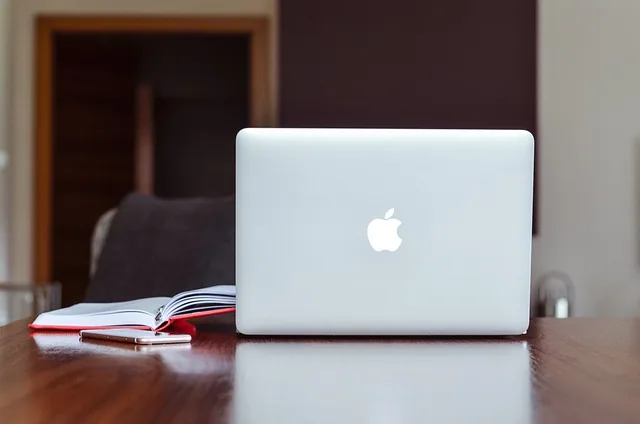
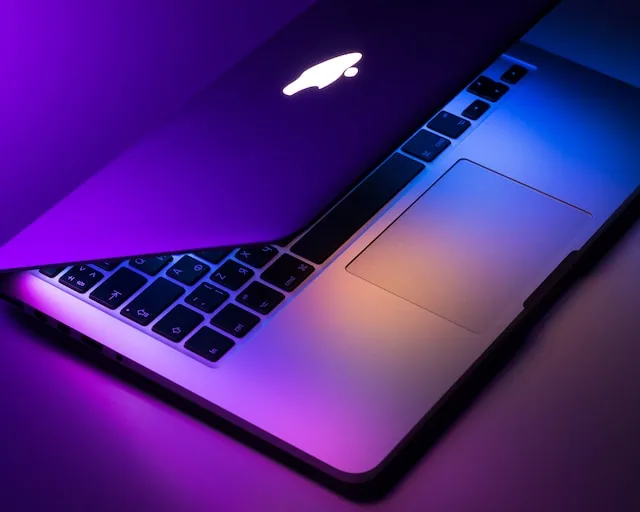
One of the primary battlegrounds in the Mac vs Windows war is the user experience. Macintosh, with its sleek, minimalist design and intuitive interface, has long been celebrated for its user-friendly approach. Apple’s ecosystem ensures a seamless experience across all devices, from MacBook laptops to iPhones and iPads. The continuity and integration between these devices provide users with a unified experience, making tasks like transferring files and receiving messages effortless.
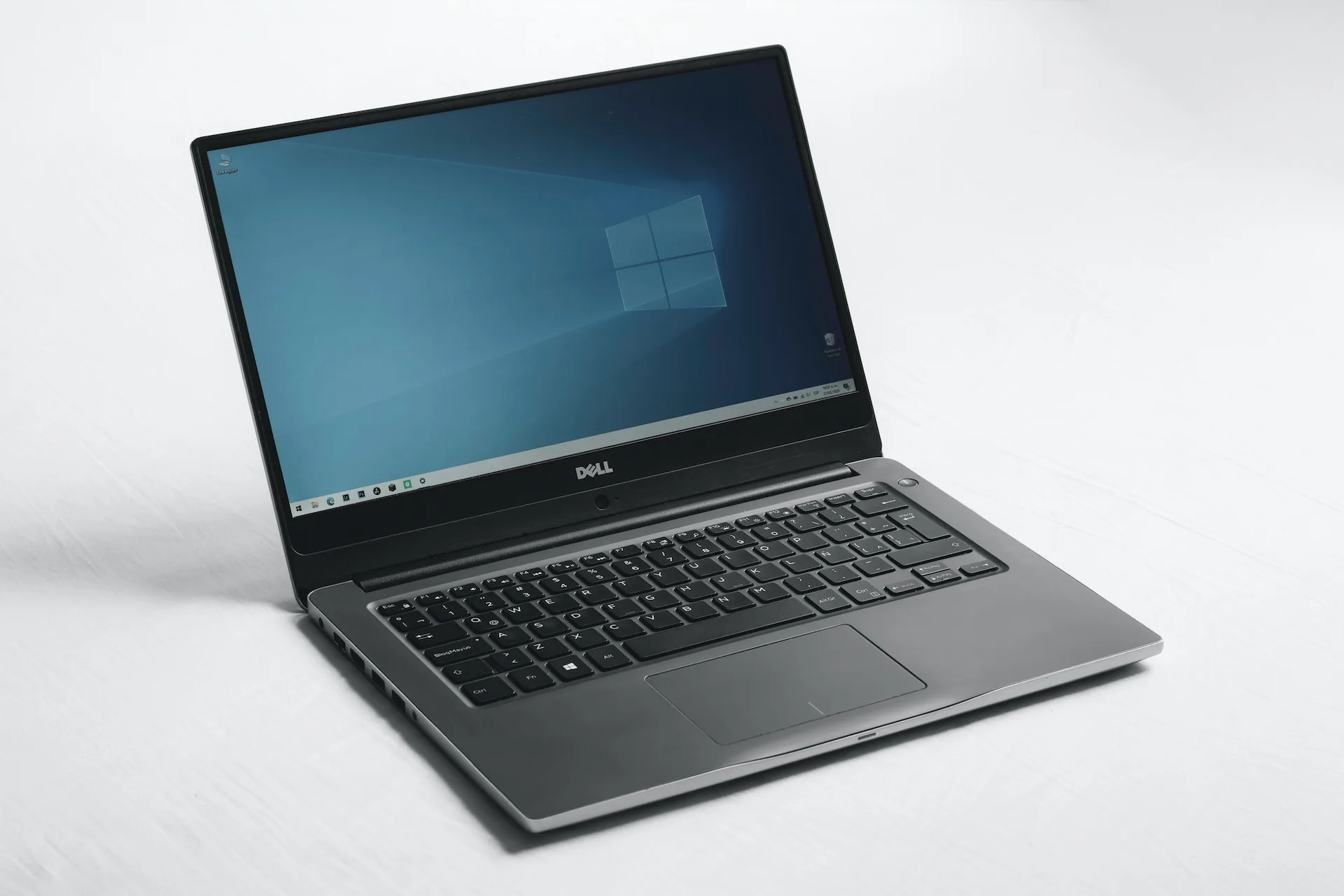
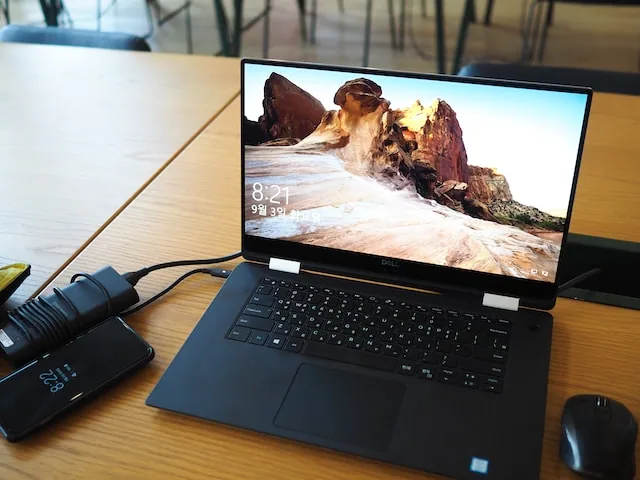
Windows, on the other hand, boasts a vast array of hardware options, catering to a diverse user base. The latest versions of Windows have made significant strides in enhancing the user interface, introducing features like the virtual desktops and Cortana, Microsoft’s virtual assistant. Customizability is a key strength of Windows, allowing users to personalize their desktops extensively.
Software Compatibility:
When it comes to software compatibility, Windows has historically held the upper hand. The majority of software applications, especially in the gaming industry, are developed with Windows compatibility in mind. This vast library of software ensures that Windows users have access to a wide range of applications, including some that are not available on macOS.
Mac, however, shines in creative industries. The Mac ecosystem is the preferred choice for graphic designers, video editors, and musicians, thanks to software like Final Cut Pro, Logic Pro X, and Adobe Creative Suite, which are optimized for macOS. Apple’s focus on creative professionals has made Mac a powerhouse in these fields.
Security:
Security is a paramount concern in today’s digital landscape, and both Mac and Windows have invested heavily in safeguarding their users. Historically, macOS has been praised for its robust security features, including Gatekeeper, which prevents the installation of malicious software, and the app sandboxing technology, which restricts apps from accessing sensitive data. Additionally, Mac users benefit from Apple’s stringent app review process, ensuring that apps available on the App Store meet high-security standards.
Windows, too, has significantly improved its security measures over the years. Windows Defender, Microsoft’s built-in antivirus software, provides real-time protection against malware and phishing attacks. Regular security updates are pushed to Windows users, addressing vulnerabilities and strengthening the operating system’s defenses.
Conclusion:
In the eternal clash of Mac vs Windows, there is no definitive winner. The choice between these two operating systems ultimately boils down to individual preferences and specific needs. Macintosh offers a seamless, integrated experience, especially for creative professionals, while Windows provides a versatile platform with a vast array of software options, making it a favorite among gamers and business users.
Ultimately, the best operating system for you depends on your unique requirements and the ecosystem you are most comfortable with. Both Mac and Windows have their strengths and weaknesses, and the ongoing competition between them continues to drive innovation, ensuring that users on both platforms enjoy increasingly advanced and user-friendly experiences.
Frequently Asked Questions: Mac vs Windows
Which is better, Windows or MacBook?
The choice depends on individual preferences and needs. Windows offers versatility, while MacBook provides a seamless, integrated experience.
Why are Mac laptops better than Windows?
Mac laptops are favored for their sleek design, user-friendly interface, and optimized software for creative professionals.
Why do people choose MacBook over Windows?
MacBooks are often chosen for their reliability, high-quality build, and the seamless integration within the Apple ecosystem.
Should I switch to Mac from Windows?
Consider your specific requirements and preferences; both systems have their strengths. Evaluate which aligns better with your needs.
Can I use Excel on MacBook?
Yes, Microsoft Excel is available for Mac, offering similar functionality as its Windows counterpart.
Is Mac faster than Windows?
Speed depends on the specific models and configurations. Both Mac and Windows laptops offer varying levels of performance.
How long do MacBooks last?
MacBooks are known for their durability. With proper care, they can last for many years, often surpassing a decade.
Is Windows as safe as Mac?
Both operating systems prioritize security. Regular updates and responsible online behavior are crucial for both.
Can I install Windows on Mac?
Yes, through Boot Camp, Mac users can install Windows alongside macOS, allowing them to choose the operating system during startup.
Why are people switching to Mac?
People switch to Mac for its user experience, build quality, and the ecosystem that seamlessly connects devices.
Is Mac easier to use than PC?
Mac is often considered user-friendly due to its intuitive interface. However, ease of use is subjective and depends on personal familiarity.
Are Macs worth the money?
The value of a Mac depends on the user’s needs. Macs are known for their longevity, design, and performance, factors that contribute to their perceived value.
Can MacBook last 10 years?
With proper maintenance, MacBooks can indeed last a decade or more.
Does Mac have antivirus?
Yes, Macs have built-in security features, including an antivirus program. Additionally, users can install third-party antivirus software for added protection.
Is Windows easier to hack than Mac?
Security vulnerabilities exist in both systems. Regular updates and good security practices are essential for both Windows and Mac users.
Which is best: PC or Apple?
The “best” choice depends on individual needs. PCs offer versatility, while Apple products are known for their design and user experience.
Is Mac good for students?
Yes, MacBooks are popular among students for their reliability, portability, and compatibility with various academic applications.
Which is the best laptop for students?
The best laptop for students varies based on their specific requirements, including budget, software needs, and preferences for operating systems.
What is Mac used for?
Mac computers are used for a wide range of tasks, including creative work, programming, office tasks, and entertainment.
Why do college students prefer Mac?
College students often prefer Mac for their reliability, longevity, and compatibility with creative software commonly used in academic environments.
Why not choose Mac?
Reasons for not choosing Mac might include budget constraints, preference for Windows-based software, or specific hardware requirements.
Is Mac good for office work?
Yes, Mac computers are suitable for office work, offering productivity software and a user-friendly interface.
Do Macs have good battery life?
Yes, Mac laptops are known for their impressive battery life, making them ideal for users who need long-lasting performance on the go.